The team quiz guide · Part 4 of 4
Running it with kwizroom
Running a quiz is fun. Collecting and scoring the answers is not. kwizroom handles the answer sheets, the marking and the scoreboard, so you can spend the event with your team.
The old way
If you've run a quiz by hand, this will sound familiar:
- The questions and answers live on PowerPoint slides, and you share your screen.
- Each team sends in its answers by email or chat.
- You mark every answer and type the scores into a spreadsheet.
It works, but it's slow, and the scoring takes up most of your time.
The new way
kwizroom replaces that routine with four things.
1. A join link, no login
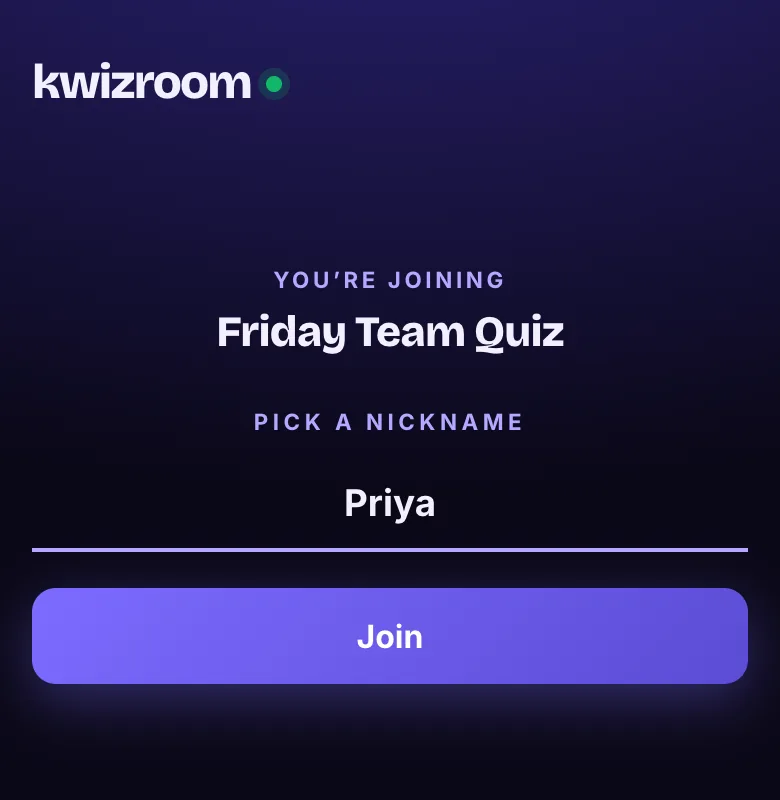
Players open a link, or type in a code, and pick a nickname. That's it. They don't need an account, and there's nothing to install.
2. Teams answer together
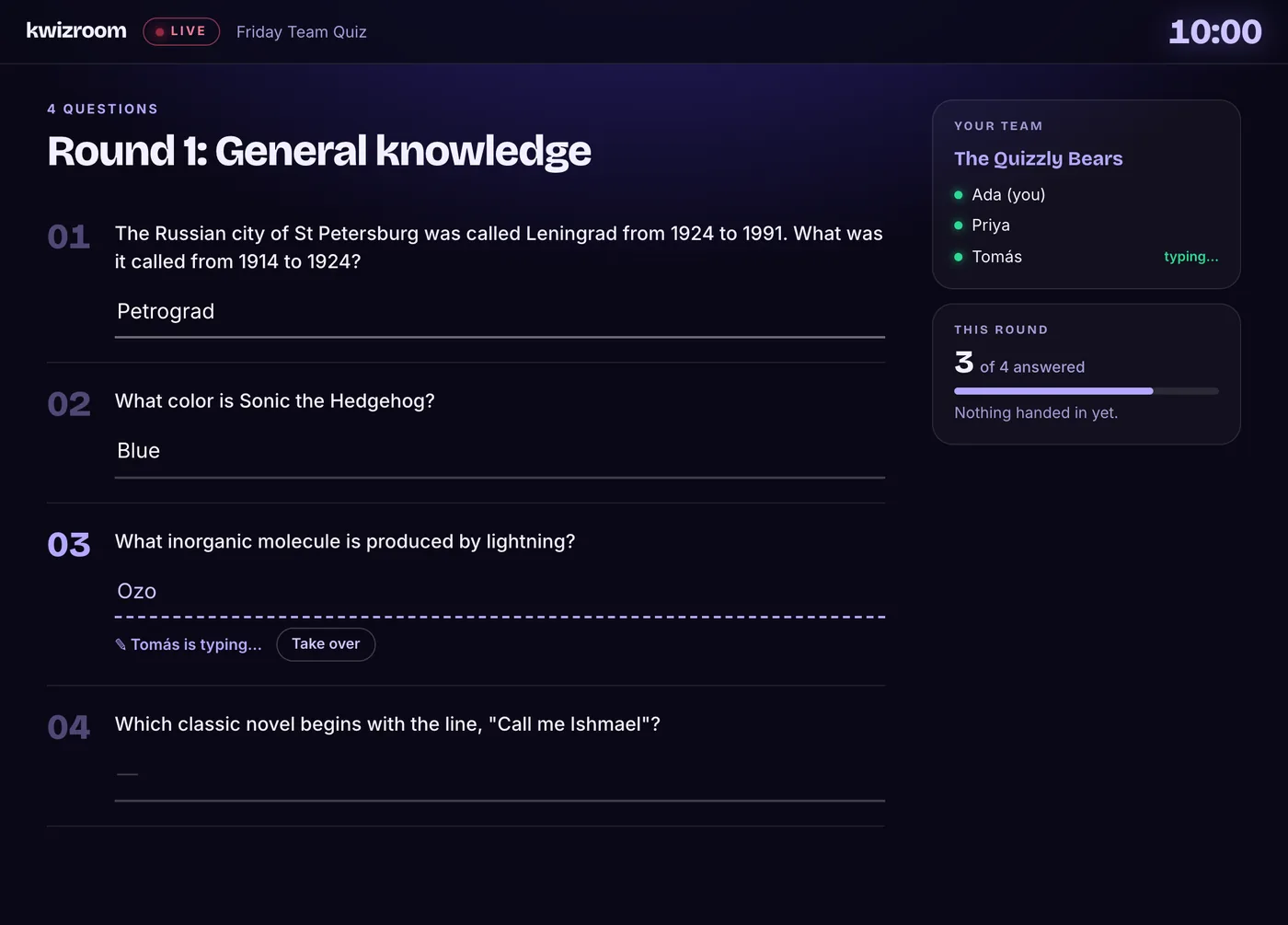
Each team gets a shared answer sheet. Any teammate can type any answer, while the team talks it through in its breakout room. Nobody has to collect answers and send them in.
3. AI-suggested judging
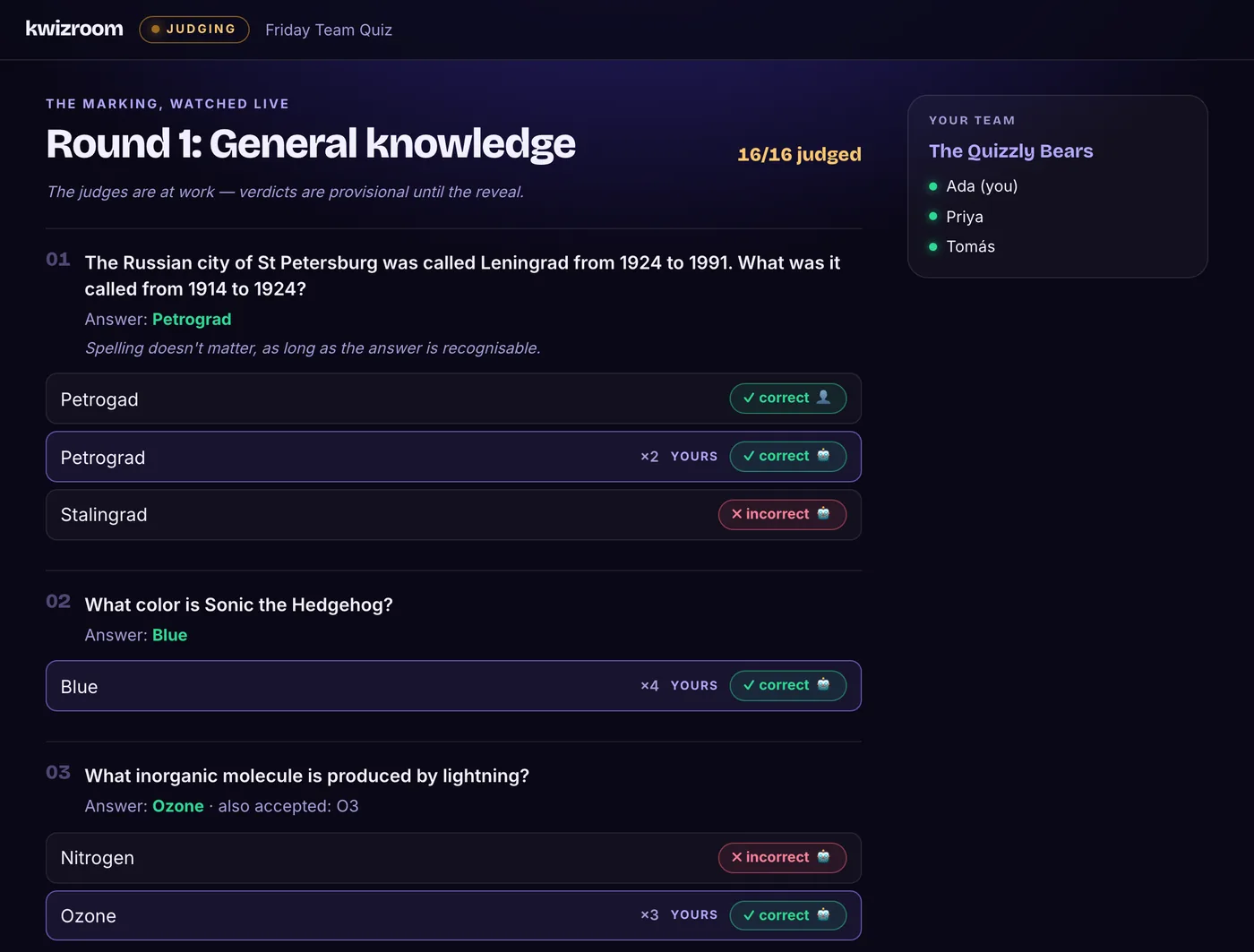
When a round closes, kwizroom's AI judge marks every answer correct, half or incorrect, and shows you how confident it is and why. Anything you disagree with, you override. Then you open the judging view to the whole room: everyone sees the answers and verdicts together, and any override you make plays out in the open. You stay the judge; kwizroom does the first pass.
4. A live scoreboard
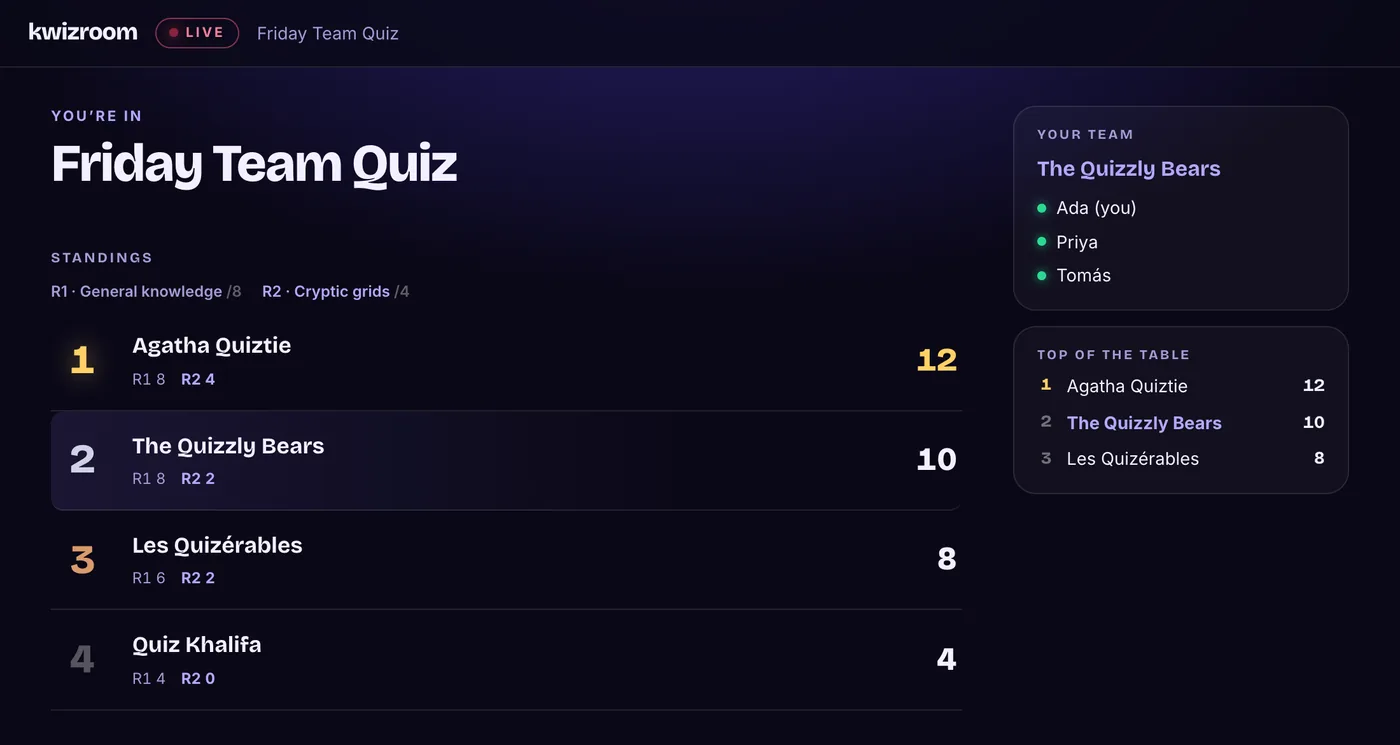
The standings update each time you reveal a round, and kwizroom announces the winners at the end. No spreadsheet.
How a round plays with Zoom and kwizroom
- Everyone is on one Zoom call.
- You open the round in kwizroom and the breakout rooms in Zoom.
- In each breakout room, the team talks and teammates enter the answers in kwizroom.
- Back in the main room, you share your screen to show the judging and then the scoreboard.
Also in kwizroom
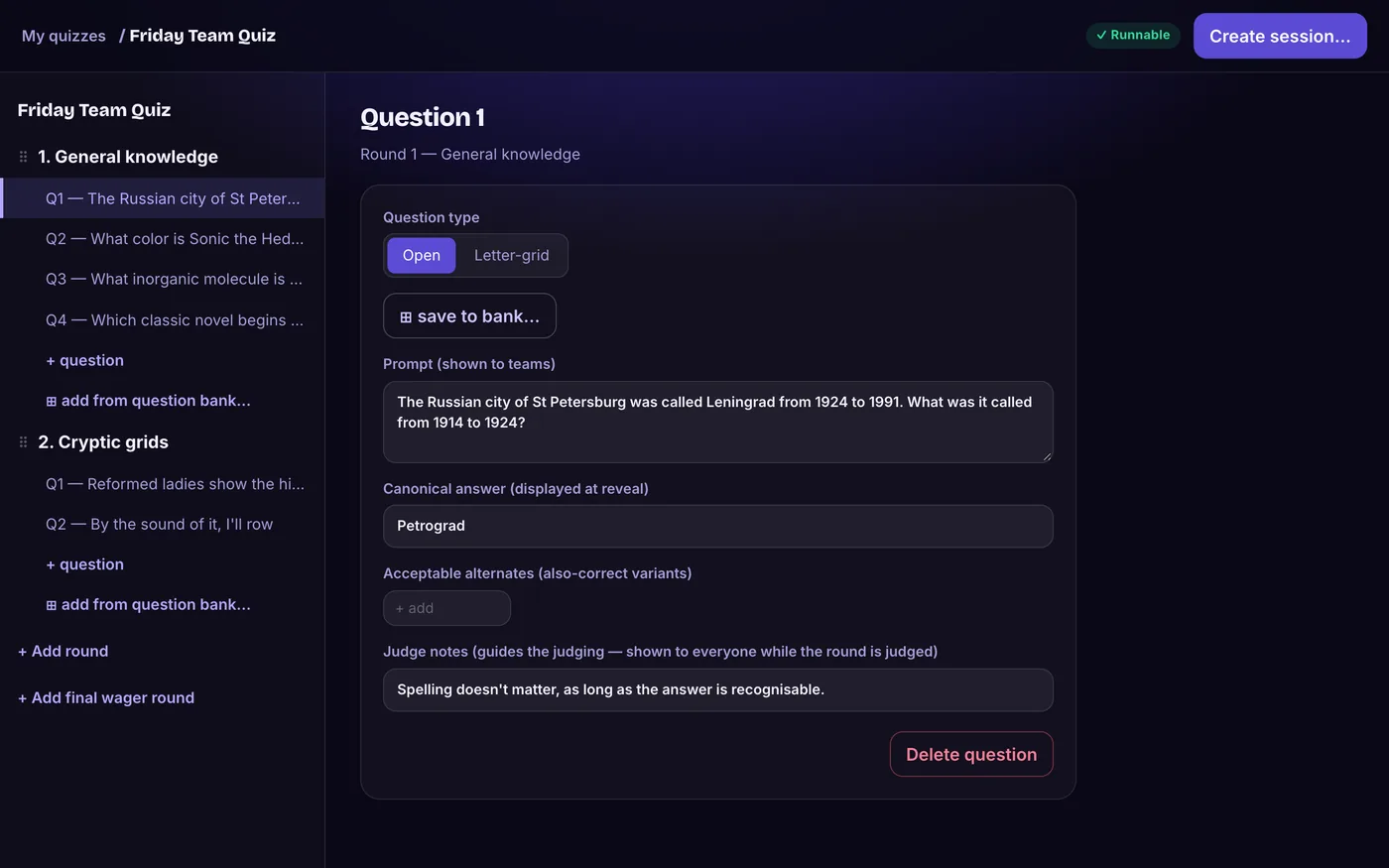
- A quiz editor. Build your quiz from rounds and questions, and reuse it as often as you like.
- A final wager round. Teams bet points on the last question, and win or lose them depending on their answer.
- A question bank. Save questions and reuse them across quizzes.
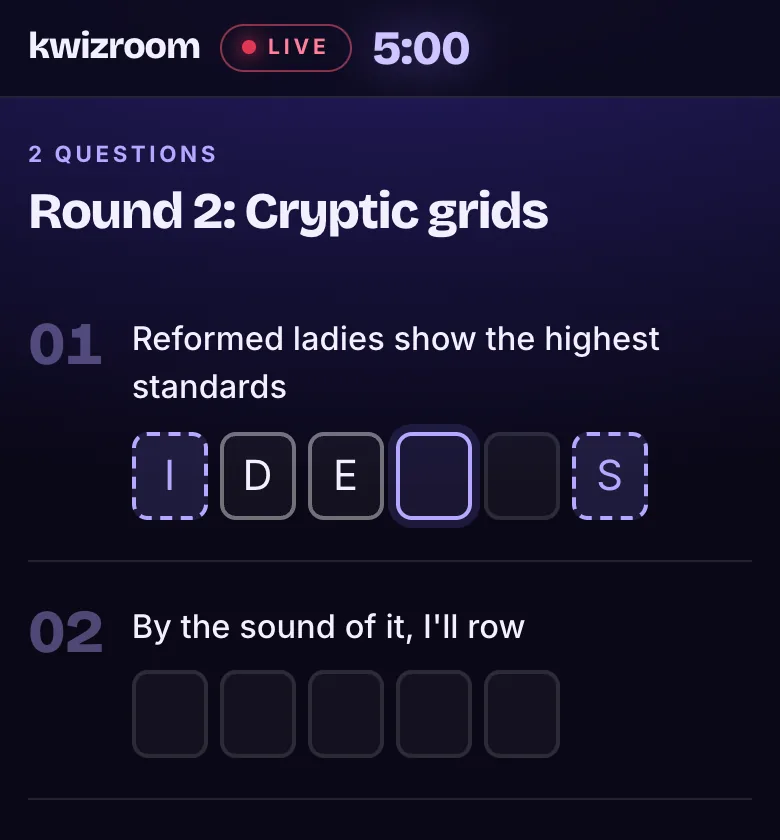
- Letter-grid questions, with as many letters revealed as you choose for a hint.
- Results downloads. After the quiz, each team can download its own results.
That's the guide. If you'd like to run your next quiz this way, request an invite below.